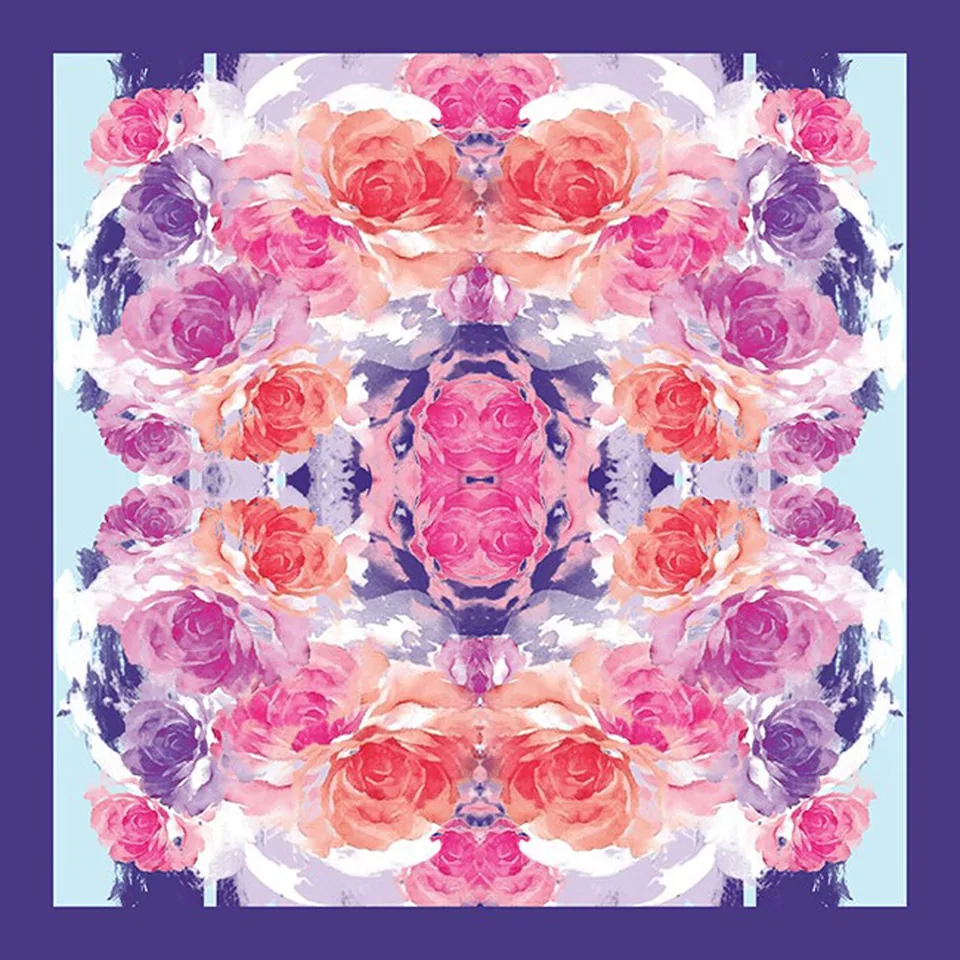
Most printing problems start in the file. A few checks before you send a design save a round of samples.
1. Size it to the print
Make the artwork at the real size it will print: the scarf or panel size for a placement design, or one repeat tile for running fabric. Tell us the finished size and any border or hem allowance.
2. Resolution
Low-resolution images look soft or pixelated when they are enlarged onto fabric. Send the largest original you have, at the print size, rather than an image saved from a website or a chat app, which is usually compressed.
3. File format
TIFF, high-quality JPG, PDF, PSD and AI files all work. Keep layered files (PSD, AI) if you want us to adjust colours or placement. Fonts in vector files should be outlined.
4. Repeats for running fabric
For fabric by the metre, the design must tile seamlessly: the left edge must continue into the right, and the top into the bottom. Say whether you want a straight (block) repeat or a half-drop.
5. Colour
A screen shows colour as light; fabric shows it as dye or pigment on fibre, and the same file prints differently on silk, cotton and polyester. Printers use colour management to get close, but the reliable way is a printed sample on your actual fabric. Send a physical swatch or a Pantone reference if a colour must match.
6. Send it with the job details
With the file, tell us the fabric, the finished size or length, the quantity and the end product. Upload it with the quote form.